Linear issue sync
Linear issue sync connects a feedback post to the Linear issue your engineers are working on. Create the issue from the post (or link one that already exists), and from then on the two stay in step: when the issue moves in Linear, the post's status follows — and everyone who voted gets the usual status email. Engineering sees who's asking without leaving Linear.
Creating and linking issues is available on the Team plan.
Connect Linear
Linear is connected once for the whole workspace, from Accounts → Integrations. Only workspace owners and admins can connect or disconnect it.
- We ask for Linear's read and write access — enough to create, find and update issues and to attach a link back to the feedback.
- We never post comments on your issues. The link back is a single Linear attachment on the issue, updated in place.
- Disconnecting keeps your existing links. Reconnect the same Linear workspace and they pick up where they left off.
If Linear ever stops accepting the connection (for example, the app was removed from Linear), the workspace owner gets one email and the settings page shows a Reconnect button. Linked posts keep their last known status until you reconnect.
Route each board to a Linear team
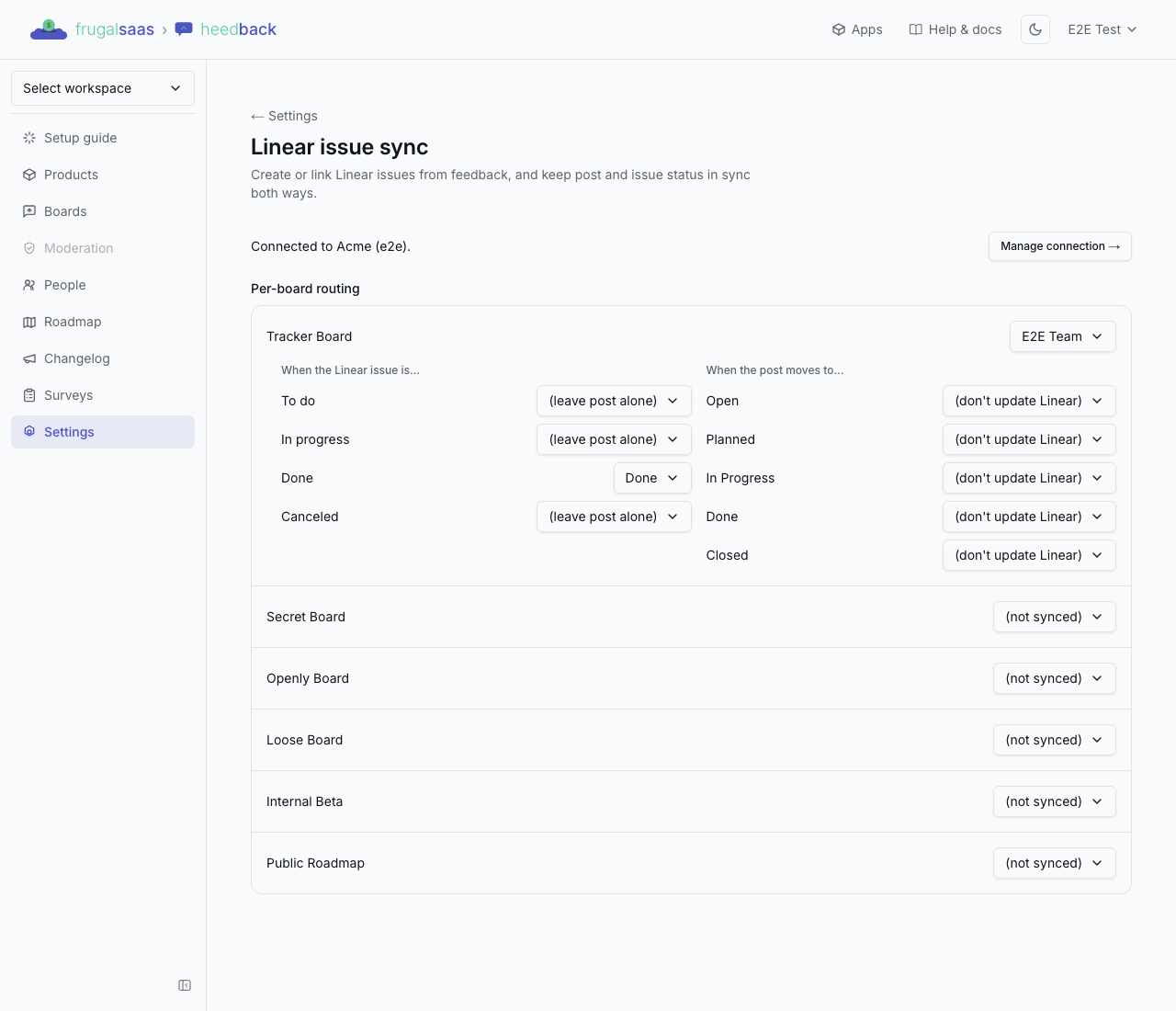
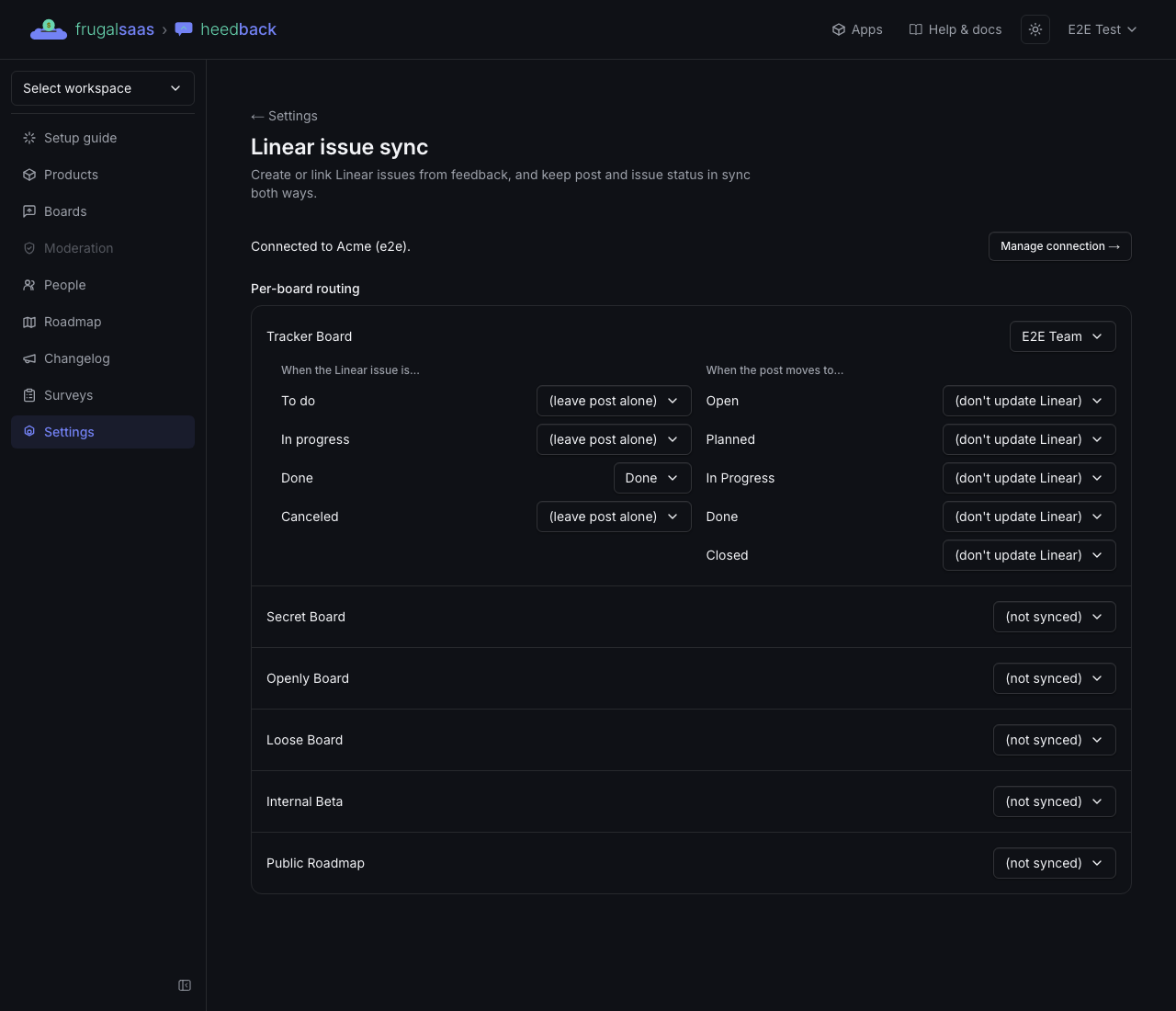
Open Settings → Linear issue sync. Every board has a row:
- Pick the Linear team new issues from that board should go to.
- Under When the Linear issue is…, choose which heedback status a post moves to when its issue reaches To do, In progress, Done or Canceled. Leave any of them on (leave post alone) to ignore it.
- Under When the post moves to…, choose which Linear state the issue should move to when you change the post's status in heedback. Leave a status on (don't update Linear) to keep that change in heedback only.
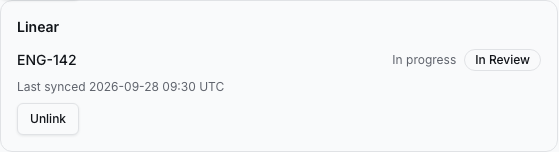
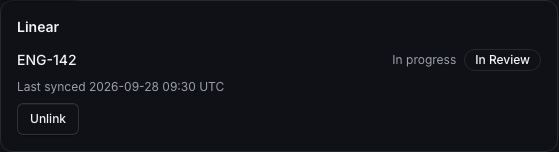
Linear groups every custom workflow state into one of those four kinds, so a state like "In Review" counts as In progress. The post panel shows both: the Linear state name and the kind it maps to.
Create or link an issue from a post
Open any post in the dashboard. The Linear panel offers:
- Create issue — creates a new issue in the chosen team, titled after the post, with the post's description. It is created once, even if you click twice.
- Link existing issue — paste a Linear issue URL, or search and pick one. The post adopts the issue's current status quietly: linking never emails your voters. Only changes made in Linear after that notify them.
- Unlink — removes the link and the attachment in Linear. Always available, on every plan.
Each post links to one Linear issue.
What Linear sees
The attachment on the issue points back to the post in your dashboard, and its subtitle carries a live summary, for example 14 votes · 6 customers · Acme, Globex:
- the vote count;
- how many verified customers voted (see customer identity);
- up to three company names from your customers' self-reported
companytrait.
It never includes anyone's name or email address. The summary refreshes at most once every five minutes as votes come and go.
How status stays in sync
- Linear → heedback. When an issue moves, Linear tells us, we re-read the issue, and the post moves according to the board's map. Voters get the same status email as when you change it yourself — once, even if Linear resends the event.
- heedback → Linear. When you change a linked post's status (in the dashboard or through the API), the issue moves to the mapped Linear state. That change doesn't bounce back and email anyone twice.
- Missed events. We re-check linked issues regularly, so an event Linear failed to deliver is corrected within minutes, not lost.
If you merge a linked post into another, the merged (closed) post's link is removed; the surviving post keeps its own link and its summary updates with the new votes.
Plans
| Plan | Linear issue sync |
|---|---|
| Free | Not included |
| Startup | Not included |
| Team | Create and link issues, two-way status sync |
| Enterprise | Everything in Team |
If a workspace moves to a plan without it, existing links keep syncing in both directions and can still be unlinked — only creating or linking new issues stops.
Coming later
Jira and GitHub Issues are planned as further trackers. Comment sync and syncing title or description edits after an issue is created are not part of the current version.