Duplicate detection
When two people ask for the same thing in different words, the votes split across two posts and the real demand looks smaller than it is. Duplicate detection spots those copies for you, in two places: while someone is writing a new post, and afterwards on a Duplicates page in your dashboard.
Duplicate detection is available on the Startup plan and up. Merging posts by hand, from a post's page, stays available on every plan.
Suggestions while typing
On your public board and in the feedback widget, once someone has typed four or more words into the title box and paused for a moment, a short Similar posts list appears just below it. It shows up to five open posts from the same board, each with its title, vote count and status.
From that list they can:
- Upvote an existing post with the small vote button on its row, or
- Open the post to read it. In the widget, a post that's already in the widget's list is scrolled to and highlighted; anything else opens on your public board in a new tab, so the draft they were writing isn't lost.
The list is only a hint. It never stops anyone from sending their own post.
Suggestions only ever include posts that visitor could already see: nothing from private boards, nothing still waiting for moderation, nothing already merged away.
The Duplicates page
Duplicates in the dashboard sidebar (just under Moderation) lists pairs of posts that look like the same request. New posts are checked automatically in the background.
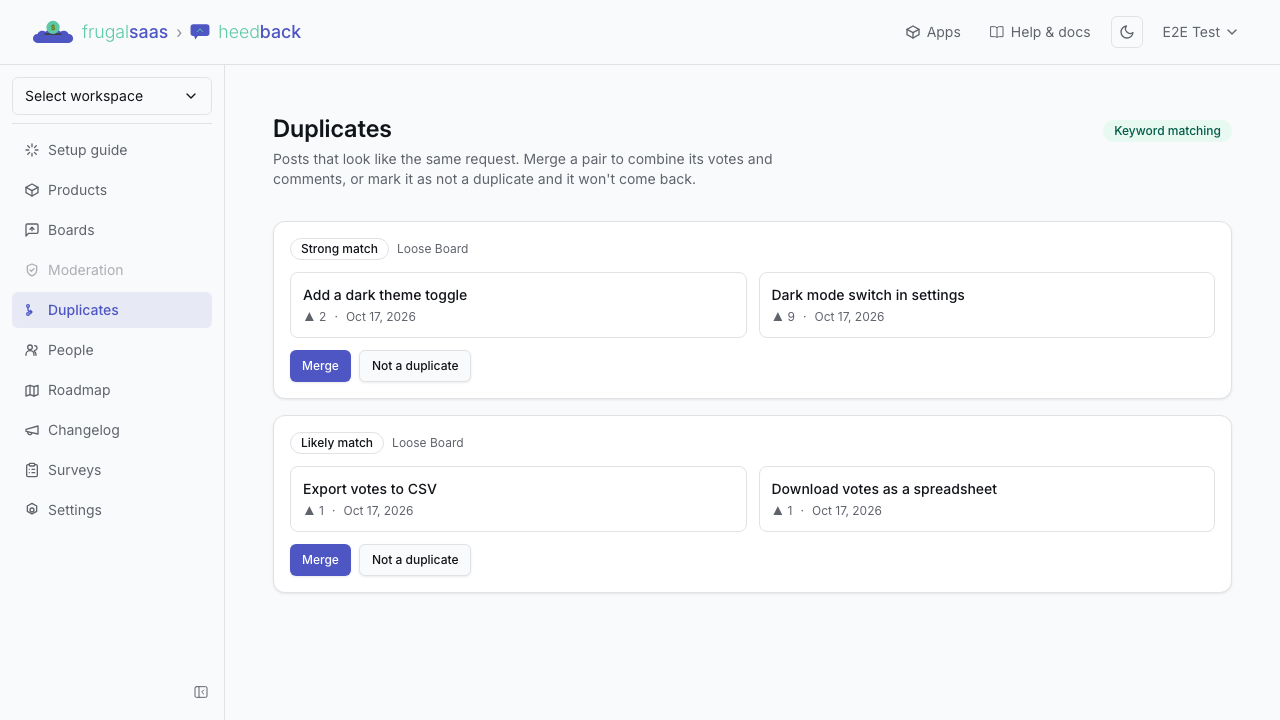
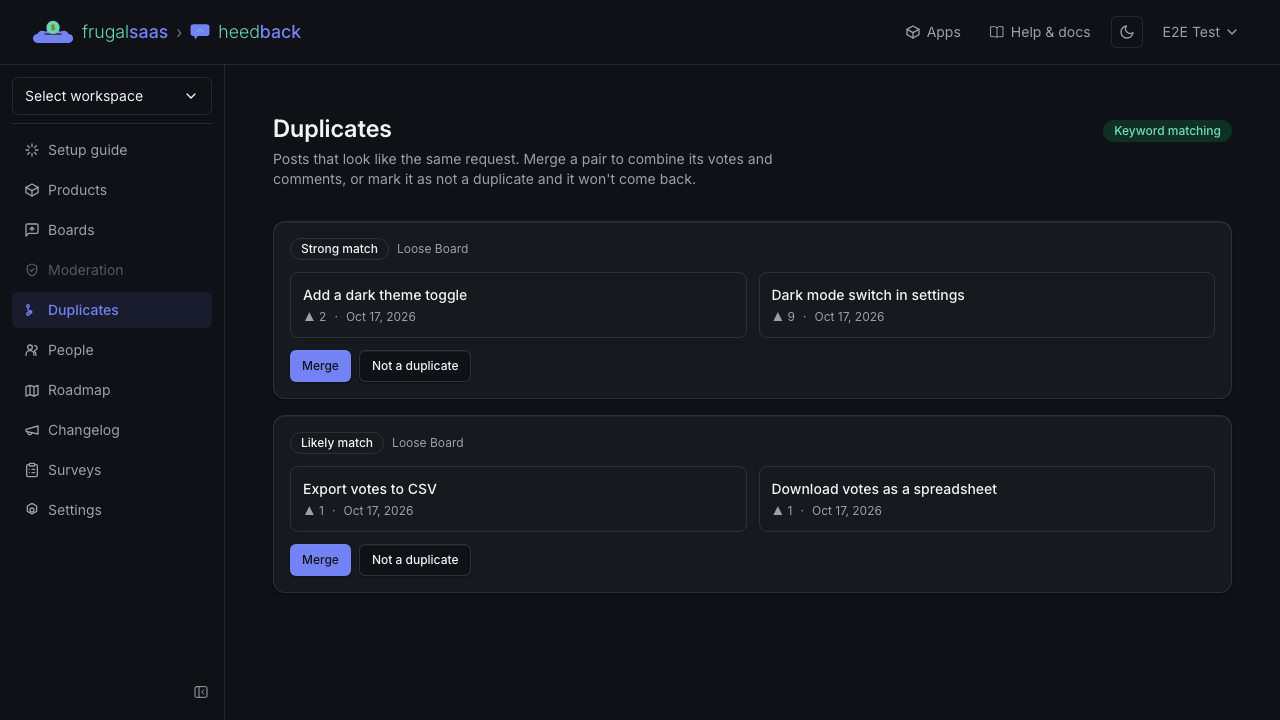
Each card shows the two posts side by side — title, votes and the date each was posted — with a label for how close they are: Strong match or Likely match. For each pair you choose one of two things:
- Merge — asks which post to keep. The one with more votes is picked for you; click the other to switch, then confirm. The other post's votes and comments move into the one you keep, and it's closed as a duplicate. This is the same merge as on a post's page.
- Not a duplicate — the pair disappears and won't be suggested again.
A pair also disappears on its own if one of its posts is merged elsewhere or deleted.
Keyword matching and AI matching
heedback can match posts two ways:
- AI matching compares what posts mean, so "Export to Excel" and "Download a spreadsheet" can still be paired.
- Keyword matching compares the words in the titles. It's free and always works, but needs some of the same words to find a match.
AI matching is used whenever it's available. heedback switches to keyword matching on its own when AI matching is turned off, briefly unavailable, or a workspace has used its daily allowance — suggestions keep appearing either way. When the Duplicates page is working on keywords only, a Keyword matching label shows at the top of the page.